Table of Contents
ToggleSmart homes aren’t science fiction anymore, they’re the new standard for convenience, security, and energy efficiency. But there’s a gap between buying a box of gadgets and actually making them work together. That’s where professional installation comes in. Whether a homeowner is eyeing whole-house integration or just wants the thermostat to stop fighting the AC, understanding what installers do, what they charge, and when DIY makes sense can save time, money, and a lot of frustration.
Key Takeaways
- Professional home automation installation services handle complete system integration, including low-voltage wiring, network configuration, and compliance with electrical codes—eliminating compatibility and safety risks that DIY approaches introduce.
- Home automation installation by licensed professionals ensures seamless device communication across protocols, clean cable management, code compliance, and warranty support that justify costs ranging from $800 to $25,000+ depending on system complexity.
- Choose installers with low-voltage electrical licenses, manufacturer certifications (Control4, Lutron, Crestron), strong network expertise, and verified references to guarantee quality work and ongoing support.
- DIY works for simple battery-powered or plug-in devices, but whole-home setups with structured wiring, ceiling speakers, or motorized shades require professional installation to prevent costly mistakes and ensure longevity.
- A typical installation process spans 2–5 days for whole-home systems and includes site assessment, device mounting, network configuration, programming, testing, and comprehensive user training with ongoing support options.
What Are Home Automation Installation Services?
Home automation installation services cover the planning, setup, and integration of smart devices into a cohesive system. These aren’t just plug-and-play techs, qualified installers handle everything from low-voltage wiring (doorbell cams, sensors) to configuring network infrastructure that keeps devices talking to each other.
A typical service includes site assessment, device selection guidance, physical mounting and wiring, network configuration, app setup, and user training. Some pros also handle integration with existing HVAC, lighting, or security systems.
Unlike a DIY approach, professional installers often carry low-voltage electrical licenses (required in many jurisdictions for wiring work) and have certifications from brands like Control4, Crestron, or Savant. They troubleshoot compatibility issues, ensure devices comply with local electrical codes, and can pull permits when needed, especially for hardwired systems or anything touching the main electrical panel.
Think of it as the difference between assembling IKEA furniture and hiring a carpenter to build custom cabinetry. Both get the job done, but one’s designed for longevity and performance.
Benefits of Professional Installation vs. DIY Setup
DIY smart home setups work fine for single devices, swap a light switch, stick up a video doorbell. But when scaling to multiple rooms or integrating systems, the margin for error shrinks fast.
Professionals bring:
- Seamless integration: They configure devices to communicate across protocols (Zigbee, Z-Wave, Wi-Fi, Thread) without creating network bottlenecks.
- Clean wiring: No visible cables snaking down walls. Installers fish low-voltage wire through studs and use in-wall rated cable (CL2, CL3) per NEC Article 725.
- Troubleshooting expertise: When a smart lock won’t pair or a hub drops offline, pros diagnose fast, saving hours of forum-scrolling.
- Warranty and support: Many services include follow-up visits and guarantee their work, something DIY can’t match.
- Code compliance: Hardwired systems often require permits. Installers know when to pull them and how to pass inspection.
DIY makes sense when:
- The project involves battery-powered or plug-in devices (smart bulbs, outlets, standalone cameras).
- The homeowner has networking knowledge and patience for app troubleshooting.
- Budget is tight and the system is simple (under five devices, single ecosystem).
For whole-home setups, especially those involving structured wiring, ceiling speakers, or motorized shades, calling a pro saves time and prevents expensive do-overs. Many professional home services now offer smart home integration alongside traditional trades.
Common Home Automation Systems Installed by Professionals
Not all smart systems are created equal, and pros specialize in different tiers depending on complexity and client needs.
Lighting control: Installers wire smart switches and dimmers (Lutron Caséta, Leviton Decora) that replace standard switches without requiring smart bulbs. For high-end setups, they deploy scene-based systems with keypads and motorized window treatments.
Climate control: Integrating a smart thermostat (Ecobee, Nest) with zoned HVAC, smart vents, or a whole-house humidifier requires understanding ductwork and control wiring. Pros ensure compatibility with existing systems and avoid tripping furnace limit switches.
Security and surveillance: Hardwired camera systems (PoE or coax), smart locks, glass-break sensors, and alarm panels often need structured cabling and integration with monitoring services. Installers route cables through attics and crawlspaces, mount cameras at optimal angles, and configure NVR (network video recorder) storage.
Entertainment and multi-room audio: Running speaker wire (14-gauge or 16-gauge) in-wall, mounting ceiling speakers, and syncing zones with a central hub (Sonos Amp, Russound) is standard fare. Home theater installations may include HDMI over Ethernet, acoustic treatments, and universal remotes.
Energy management: Pros install whole-home energy monitors, smart breaker panels (Span, Leviton Load Center), and integrate with backup power systems to prioritize critical loads during outages.
Voice and hub integration: Configuring Amazon Alexa, Google Home, or Apple HomeKit across devices, creating routines, and linking third-party services (IFTTT, SmartThings) to ensure everything responds correctly.
How to Choose the Right Installation Service for Your Home
Not all installers are equal. Picking the right one starts with knowing what credentials and experience matter.
Check licensing and insurance: For any wiring work, verify the installer holds a low-voltage or electrical license valid in the jurisdiction. General liability insurance protects against accidental damage during installation.
Look for certifications: Manufacturers like Control4, Lutron, and Crestron offer dealer/installer certifications. These indicate training on specific systems and access to pro-only products.
Ask about their ecosystem expertise: Some installers specialize in DIY-friendly platforms (Ring, Nest, SmartThings), while others focus on proprietary systems (Savant, RTI). Match their expertise to the desired setup.
Request references and portfolio work: Photos of past installs, especially cable management and equipment racks, reveal attention to detail. Ask for client references and check reviews on platforms that specialize in home projects.
Evaluate their network knowledge: Smart homes live or die by Wi-Fi. A good installer will assess the home’s router, recommend mesh systems if needed (Ubiquiti, Eero Pro), and ensure adequate bandwidth for cameras and streaming.
Get itemized quotes: Avoid bundled “smart home package” pricing without line items. A detailed quote should break out labor, equipment, and any recurring fees (monitoring, cloud storage).
Understand ongoing support: Some installers offer maintenance contracts or remote troubleshooting. Others hand over the system and walk away. Clarify what happens when a device fails or needs reconfiguration. Many established home maintenance providers now extend smart home support as part of broader service offerings.
What to Expect During the Installation Process
Professional installation follows a structured workflow, not a “show up and start drilling” approach.
1. Initial consultation (1–2 hours): The installer walks the property, discusses goals, evaluates existing infrastructure (electrical panel capacity, network setup), and identifies challenges (plaster walls, no attic access). They’ll recommend devices and draw up a proposal.
2. Pre-installation prep: Once approved, the installer orders equipment and schedules the work. Homeowners should clear furniture from mounting areas and ensure attic/crawlspace access. If permits are needed, the installer files them.
3. Installation day(s): Duration varies, simple setups (thermostat, a few smart switches) take 2–4 hours. Whole-home systems with in-wall wiring, ceiling speakers, and camera runs can span 2–5 days.
Expect:
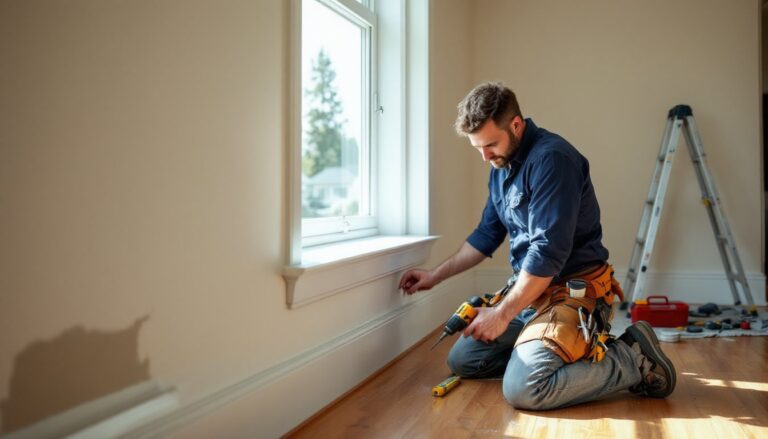
- Wall penetrations: Installers drill through studs to run wire. They use stud finders and fish tape, patching holes with low-voltage mounting brackets (single-gang, dual-gang).
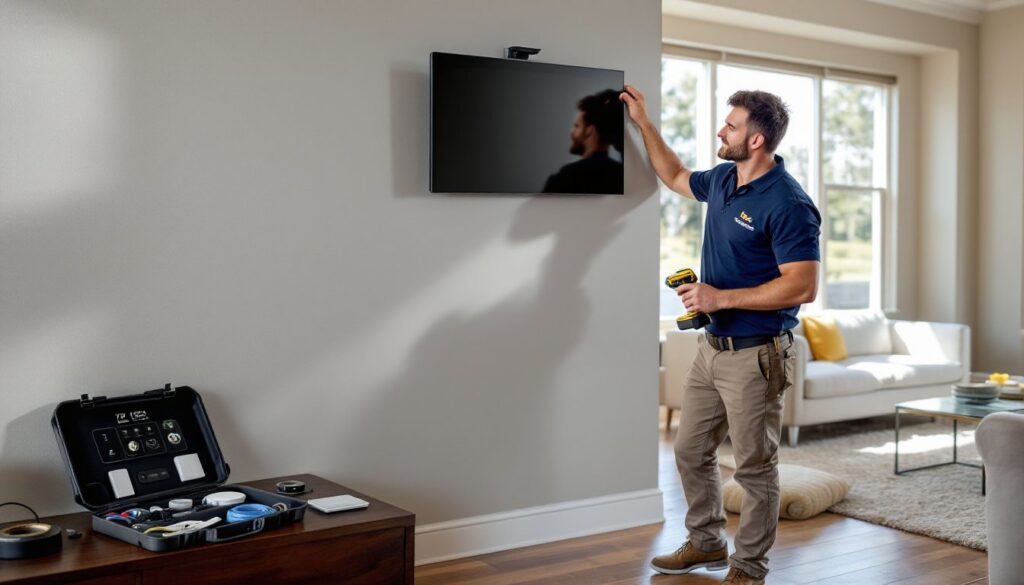
- Device mounting: Cameras, keypads, and touchscreens get secured with anchors rated for the wall type (drywall, plaster, masonry).
- Network setup: They’ll configure the router, set up VLANs for security devices, and test signal strength in every room.
- Programming and testing: Each device is added to the system, named, grouped, and tested. Scenes and automations are configured per the homeowner’s preferences.
4. Walkthrough and training: The installer demonstrates how to use the system, app navigation, voice commands, troubleshooting basics. They’ll leave documentation and contact info for support.
Safety note: Installers should wear safety glasses when drilling overhead and use a respirator if working in dusty attics. Homeowners should keep pets and kids clear of work zones.
Cost Factors and Pricing for Home Automation Installation
Pricing for smart home installation varies widely based on system complexity, home size, and regional labor rates. National averages for professional installation range from $800 to $4,000, but high-end whole-home systems can exceed $15,000.
Key cost drivers include:
- Labor rates: Expect $75–$150 per hour for licensed installers. Complex integrations (multi-zone audio, lighting scenes, custom programming) require more hours.
- Device quantity and tier: A basic smart thermostat and a few switches cost far less than a Lutron RadioRA system with motorized shades and keypads.
- Wiring complexity: Retrofitting structured cabling into an older home with plaster walls and limited attic access costs more than new construction with open studs.
- Network upgrades: If the existing router can’t handle the load, budget $300–$800 for a mesh system or enterprise-grade access points.
- Permits and inspection fees: Municipalities that require permits for low-voltage work charge $50–$200, plus the cost of a follow-up inspection.
- Ongoing fees: Cloud storage for cameras, professional monitoring, or subscription-based smart locks add $10–$50/month.
Ballpark estimates (materials + labor):
- Starter package (smart thermostat, 5 switches, doorbell cam): $800–$1,500
- Mid-tier system (lighting control, 4 cameras, smart locks, hub): $2,500–$5,000
- Whole-home integration (multi-room audio, 10+ cameras, motorized shades, energy management): $10,000–$25,000+
Many general contractors and home service companies now offer smart home installation alongside remodeling projects, sometimes bundling costs. According to industry specialists, licensed electricians or certified integrators are the safest bet for complex systems.
Get at least three quotes, verify what’s included (programming, training, warranty), and ask about equipment markup. Some installers charge retail for devices: others pass through wholesale pricing and make margin on labor.
Conclusion
Home automation installation isn’t just about gadgets, it’s about creating a system that actually works, day in and day out. For simple setups, DIY is doable. But when integrating multiple systems, running wire, or ensuring code compliance, calling in a licensed pro makes the difference between a seamless process and a pile of returns. Do the assignments upfront, get detailed quotes, and prioritize installers who explain their work, not just sell boxes.